Power
Auto-activate when the Mac is plugged in.
Awake politely disagrees.
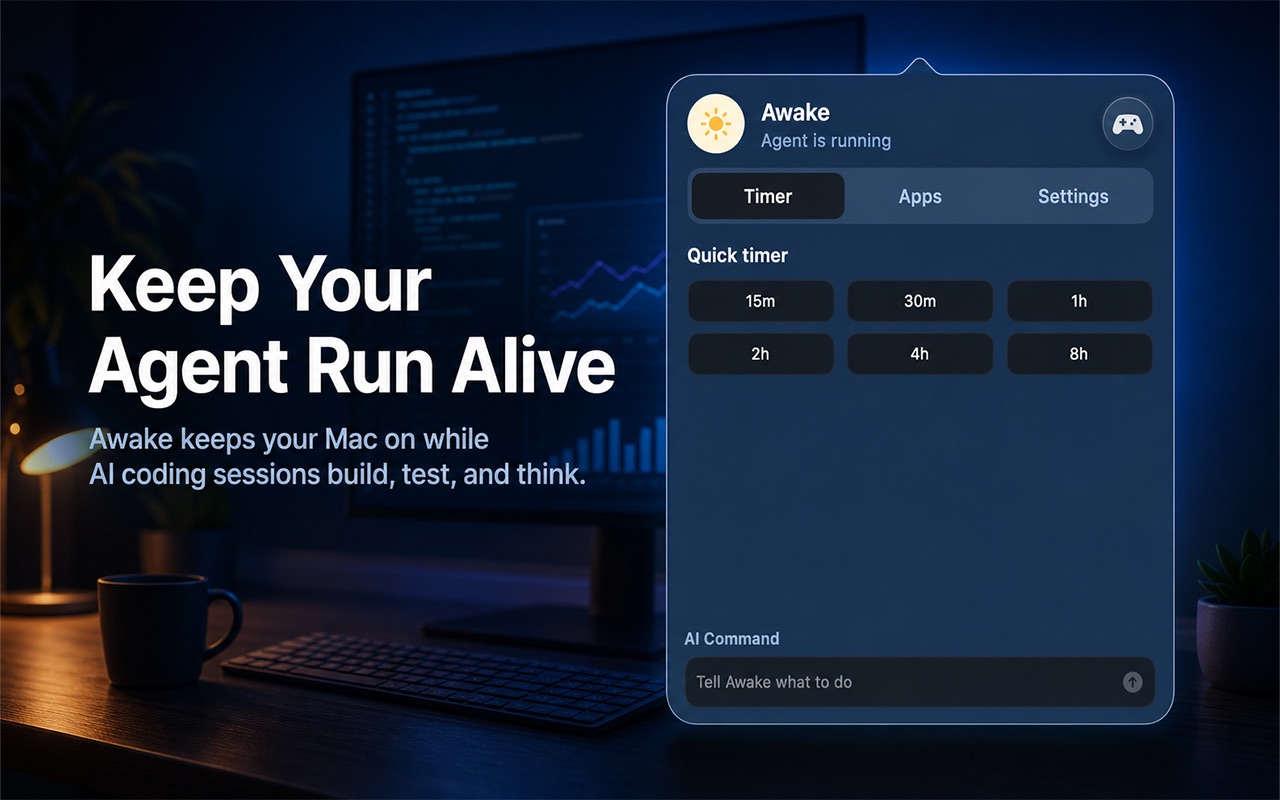
Keep your Mac awake while an AI coding agent works. Watch selected apps, shell processes, tests, builds, scripts, and previews. Play tiny waitmaxxing games in the pockets of time. Then back off when the run goes idle.
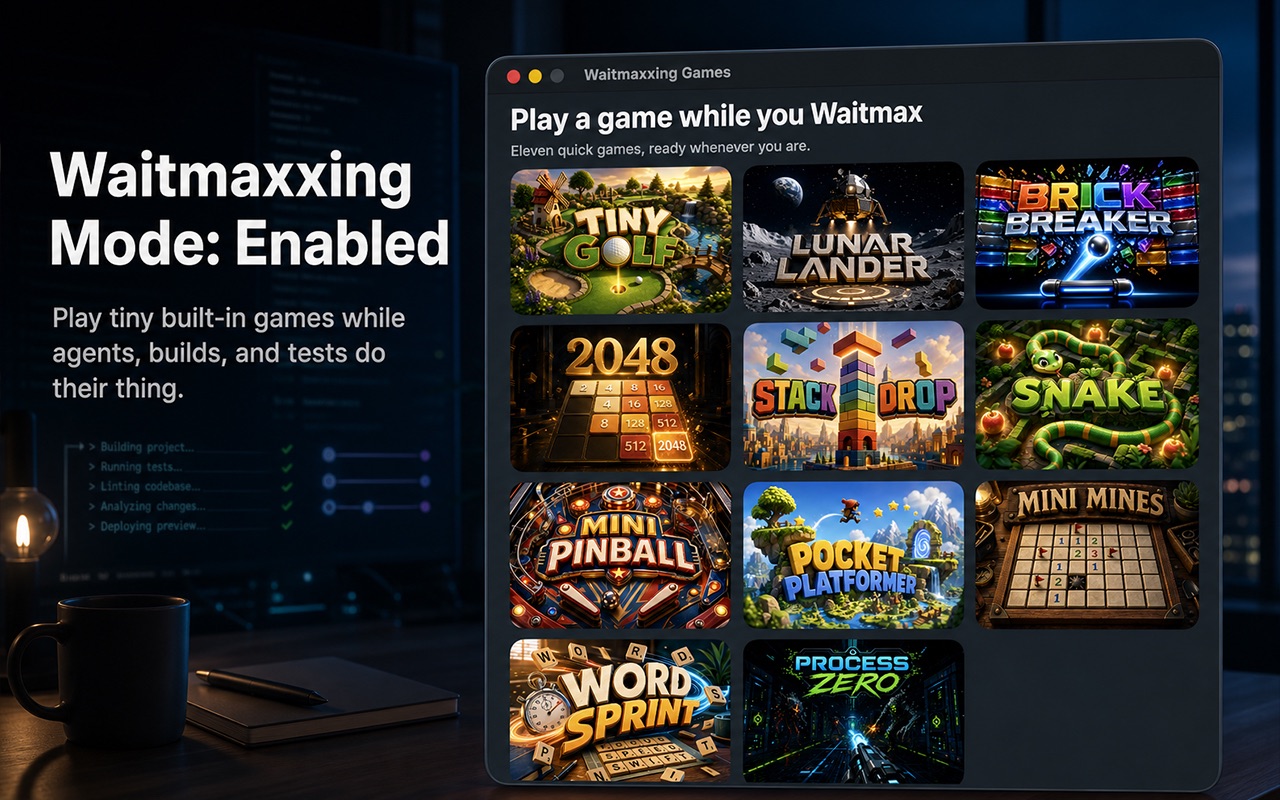
Waiting is now a feature. Eleven tiny built-in games for the strange little pockets of time while your agent edits files, runs tests, builds, retries, or stares into the distance with great confidence. Keep the machine awake, keep the run visible, and play something small while the robots think.
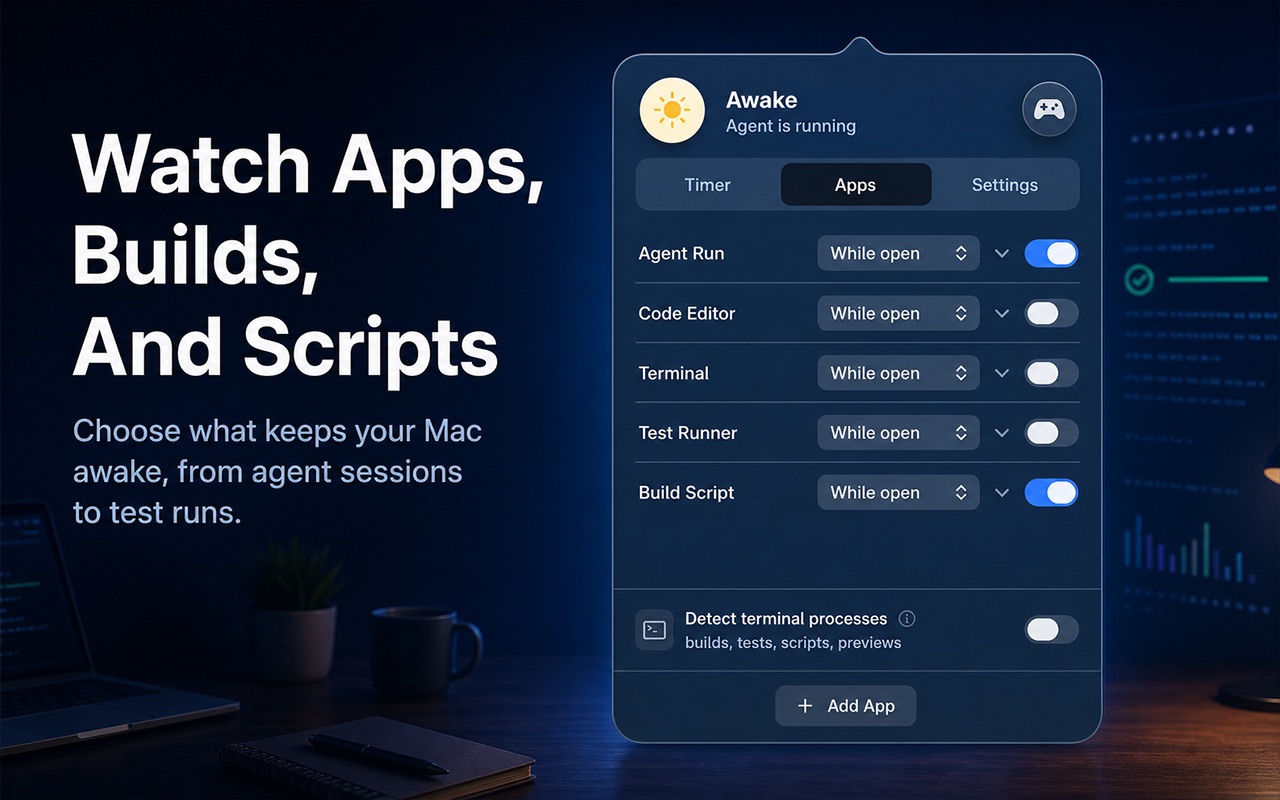
Start an agent, watch the logs, wait for tests, wonder what “almost done” means — and try not to let the computer fall asleep in the middle of it.
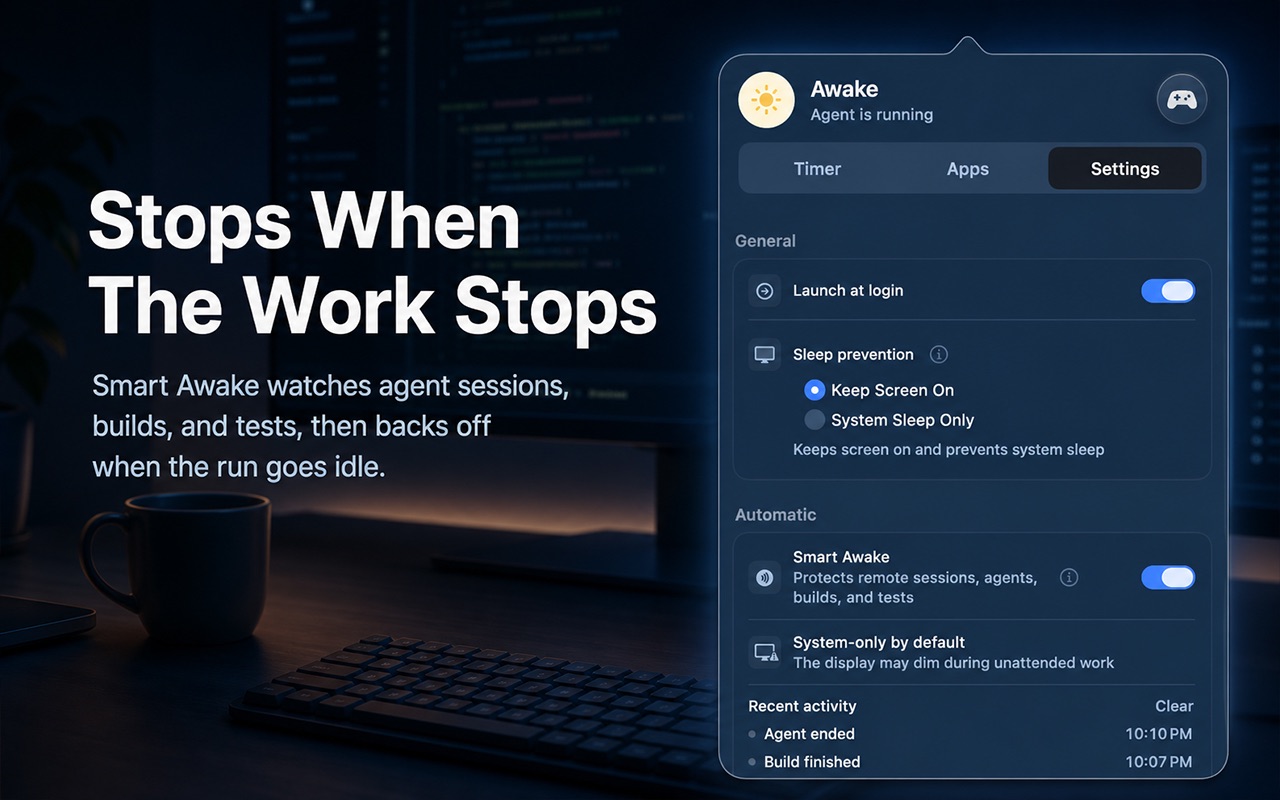
Smart Awake watches agent sessions, builds, and tests, then backs off when the run goes idle. The point is not infinite caffeine. It is staying out of the way until the work is actually done.
Type what you need. AI commands can be used with a subscription or with your own supported provider key. Core sleep prevention does not need an account.
“Stay awake while my agent codes”
“Keep awake until tests finish”
“Do not sleep while the agent run is active”
“Turn off at midnight”
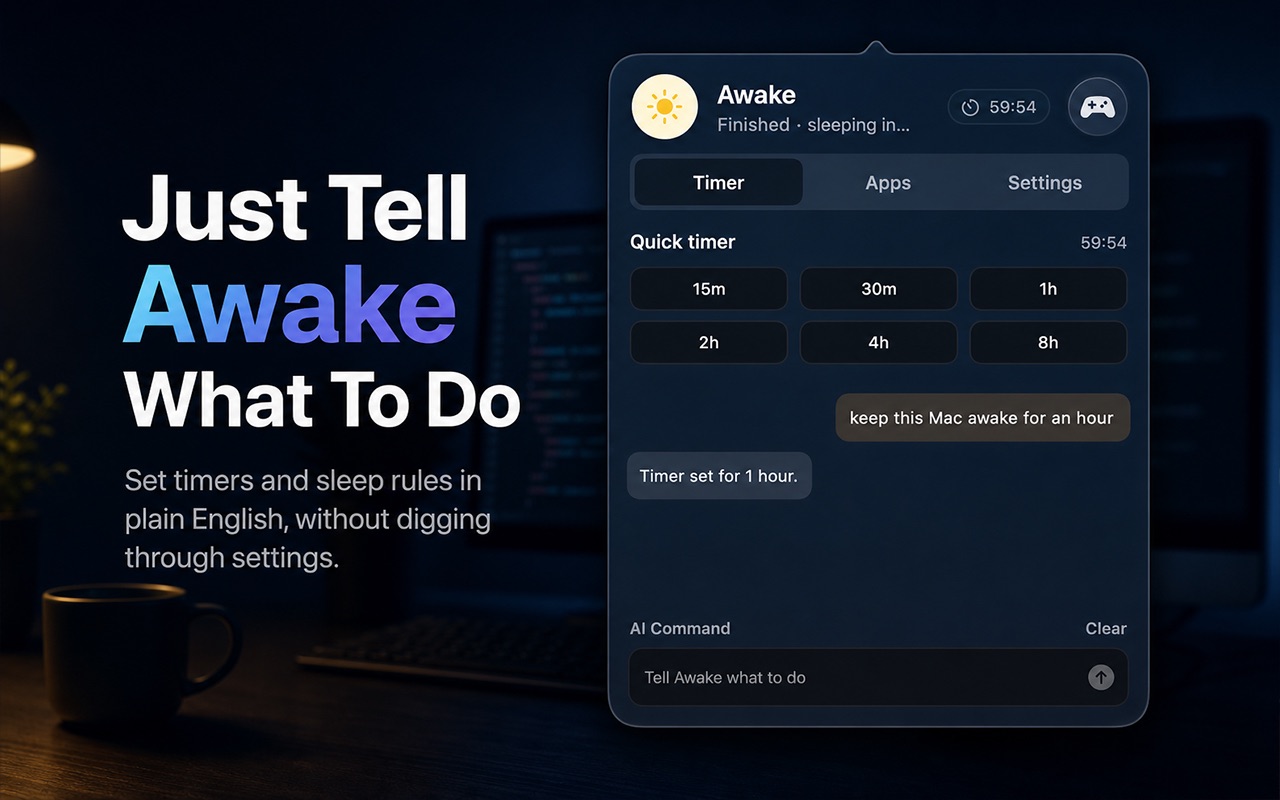
Awake lives in the menu bar. Quick presets, a global shortcut, plain-English commands, or a tiny game break — without opening a heavy workspace.
Auto-activate when the Mac is plugged in.
Stay on in clamshell mode with an external display.
Activate on the networks you already trust.
Stop when battery drops below the level you set.
Jason Culbertson designed and shipped the entire app with ChatGPT and Codex. jasonculbertson.com GitHub